
Compatibility & Integration
Everything you need to connect Fetoly to your ultrasound system and start scanning.
No changes to your scanning routine
Fetoly analyzes live ultrasound exams and acts as a real-time progress assistant, allowing clinicians to perform scans as usual, without changing your workflow or professional habits. Simple, intuitive, and easy to use.
Plug and play connection
Three simple components to get started.
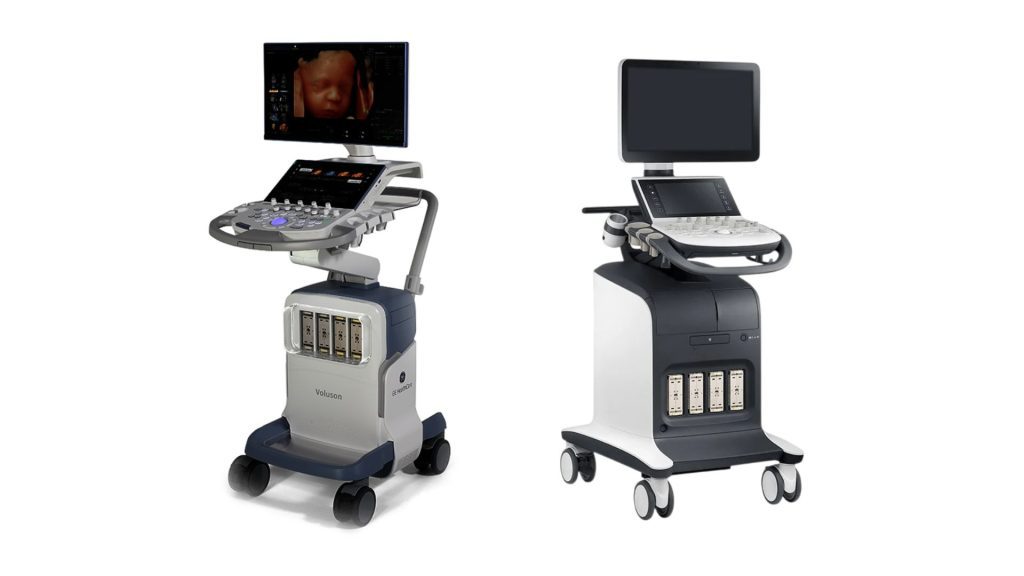
Ultrasound system
- GE HealthCare
- Samsung
- Canon
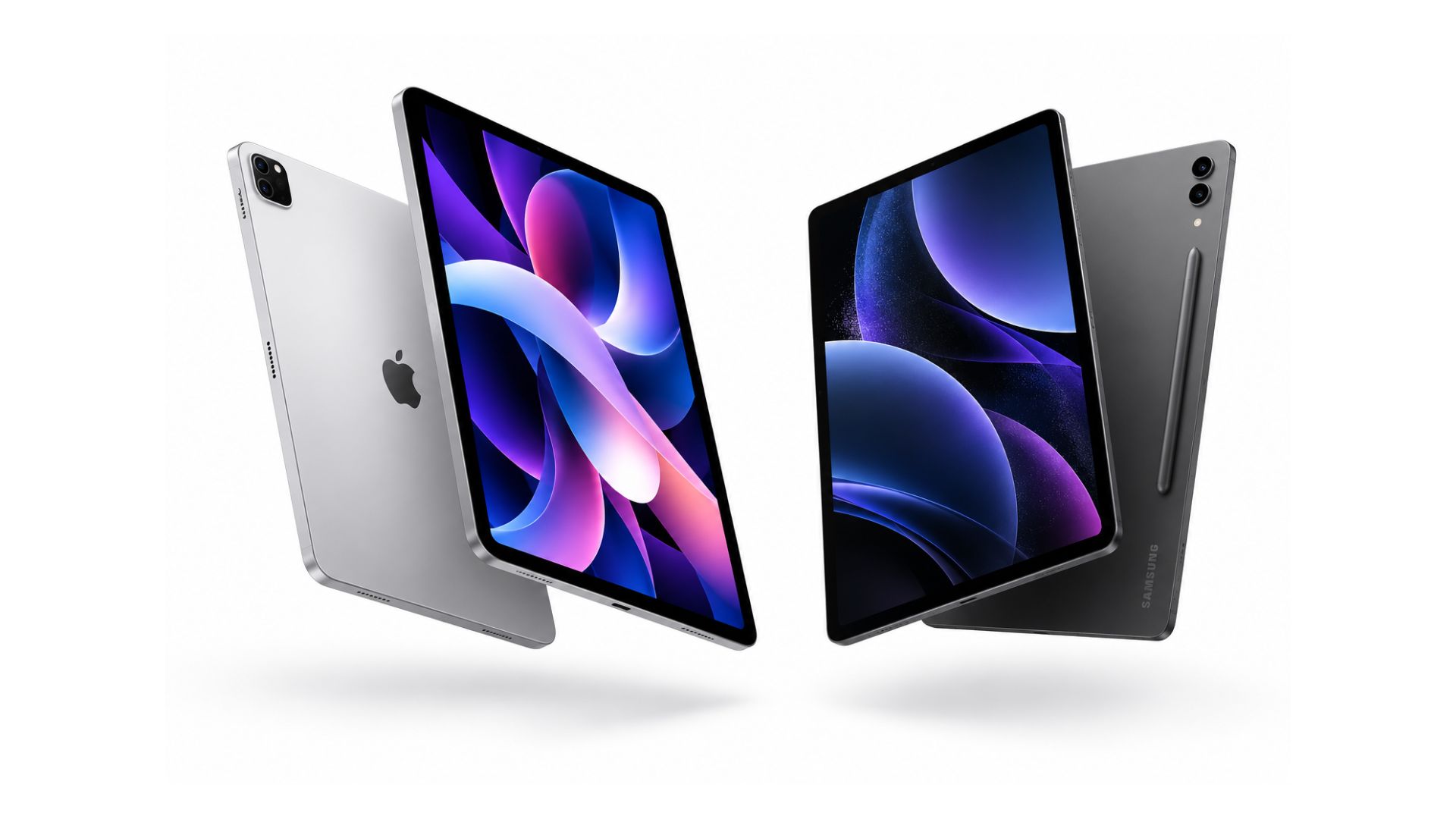
Tablet
- Samsung Galaxy Tab S8 or higher
- iPad 10th generation or higher · iPad Air 5th generation or higher · iPad mini 7th generation or higher · iPad Pro 3rd generation or higher
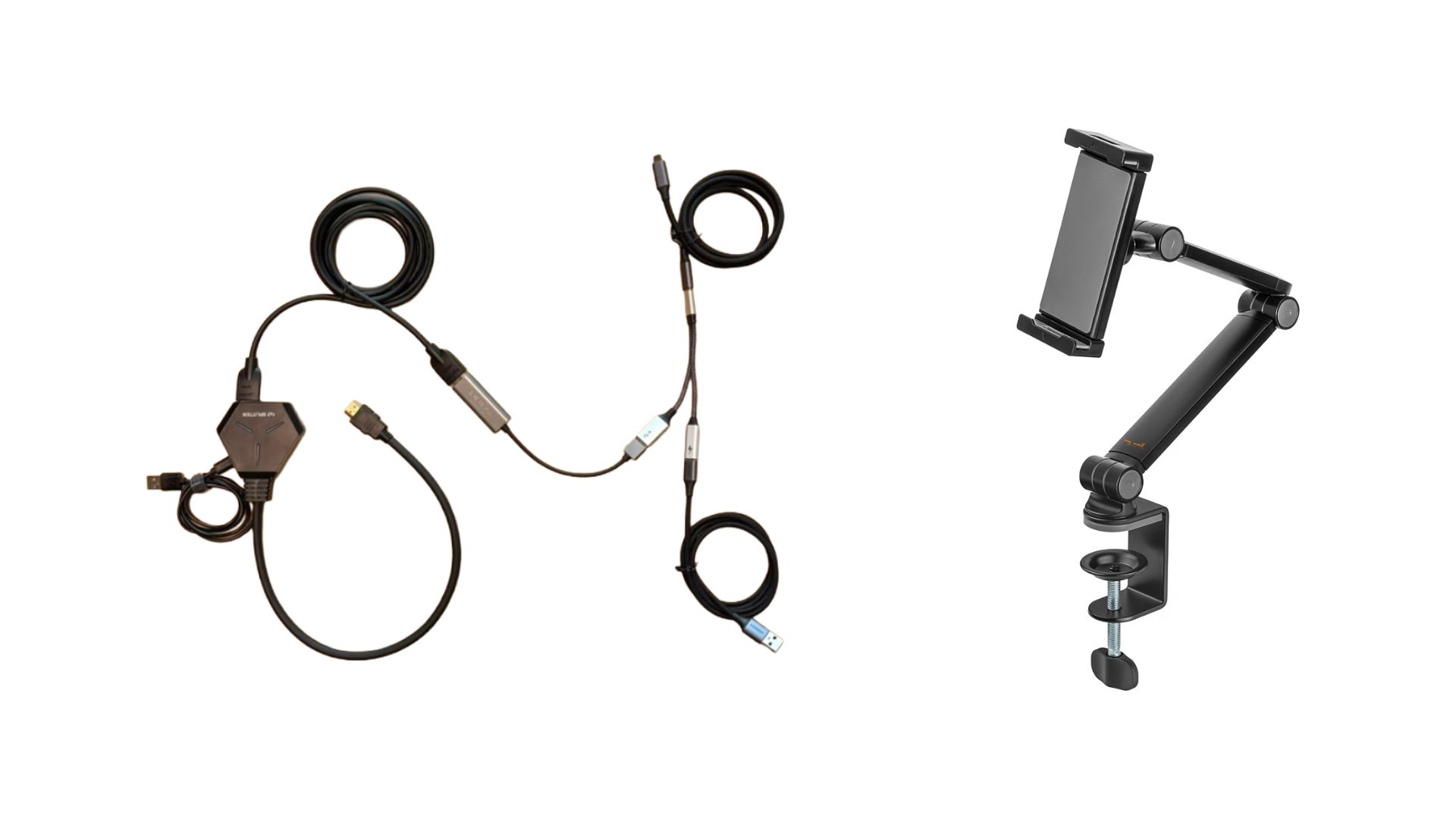
Connectivity kit
- Setup cables
- Tablet support
Set up Fetoly in four Steps
-
Assemble the connectivity kit Connect the HDMI splitter, capture card and cables as shown.
-
Connect the kit to the ultrasound system and tablet Connect the HDMI splitter to the video output in your ultrasound system and the extension cord to the tablet.
-
Authorize the connection Allow the connection when prompted.
-
Verify and start Make sure the ultrasound image is well framed and start scanning
Optional PACS integration
Fetoly can integrate seamlessly into your existing workflow via DICOM.
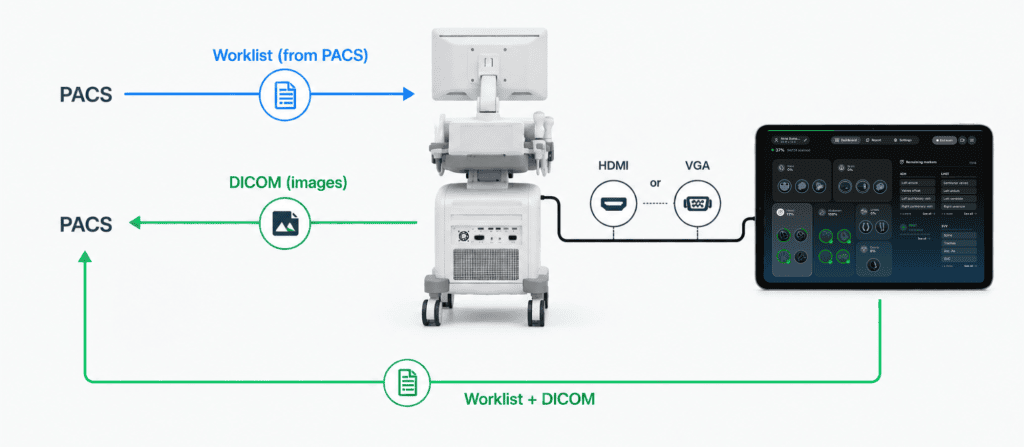

During the scan: DICOM worklist
The application performs a DICOM worklist query to match the patient name displayed in the video stream with the scheduled studies in the RIS/LIS.

After the scan: DICOM store
The application sends DICOM store request to automatically archive images to the correct PACS study with no manual input required.

Fetoly™


Smarter Ultrasound for Better Outcomes
Discover how real-time AI can help you detect more and miss less without changing the way you scan